The Resume Sketch blog
Sketch a better resume, one guide at a time.
Step-by-step guides to every Resume Sketch feature, and straight answers about AI resume builders, applicant tracking systems and writing a resume that gets interviews.
Showing all articles
Feature guides
How to use Resume Sketch
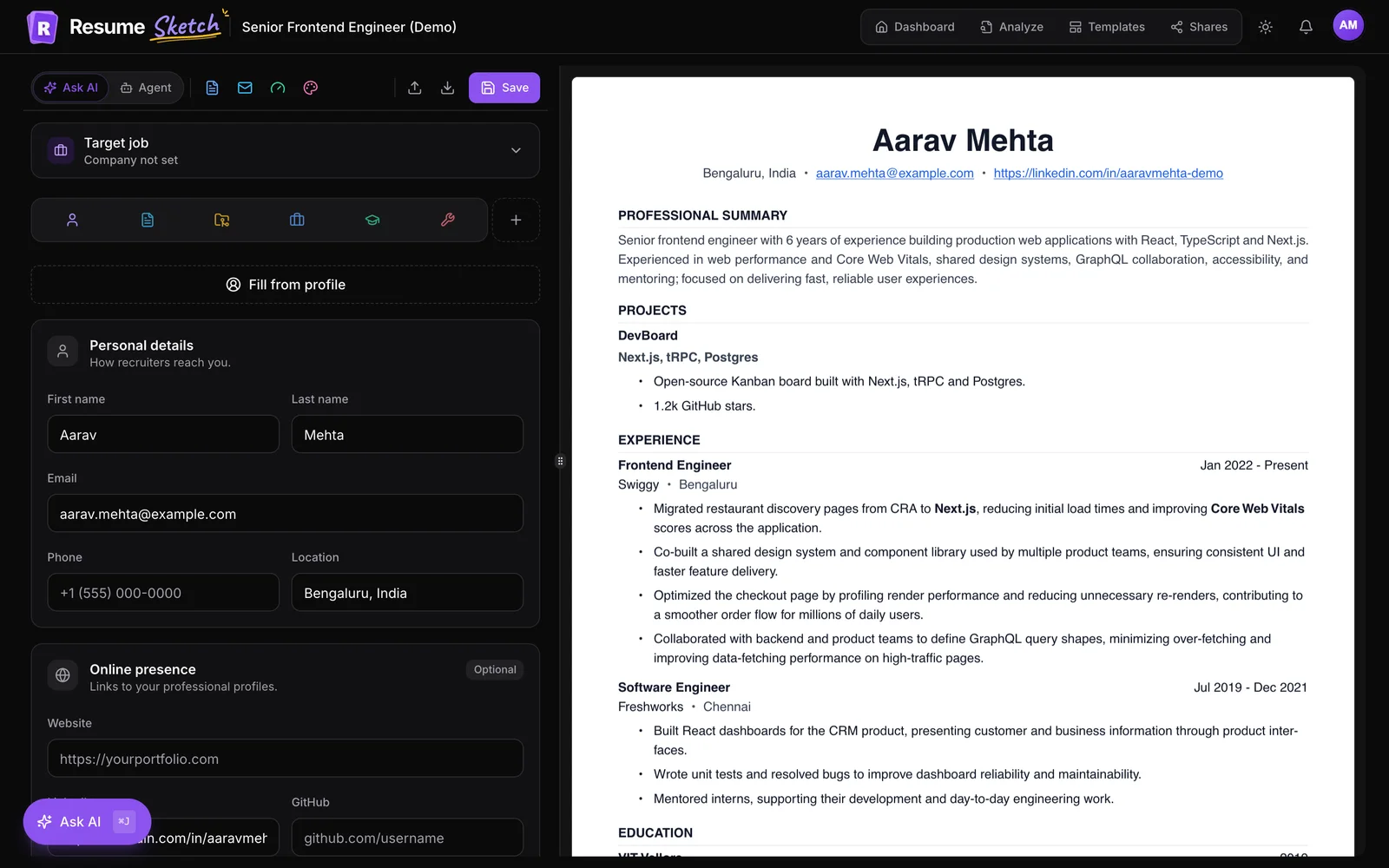
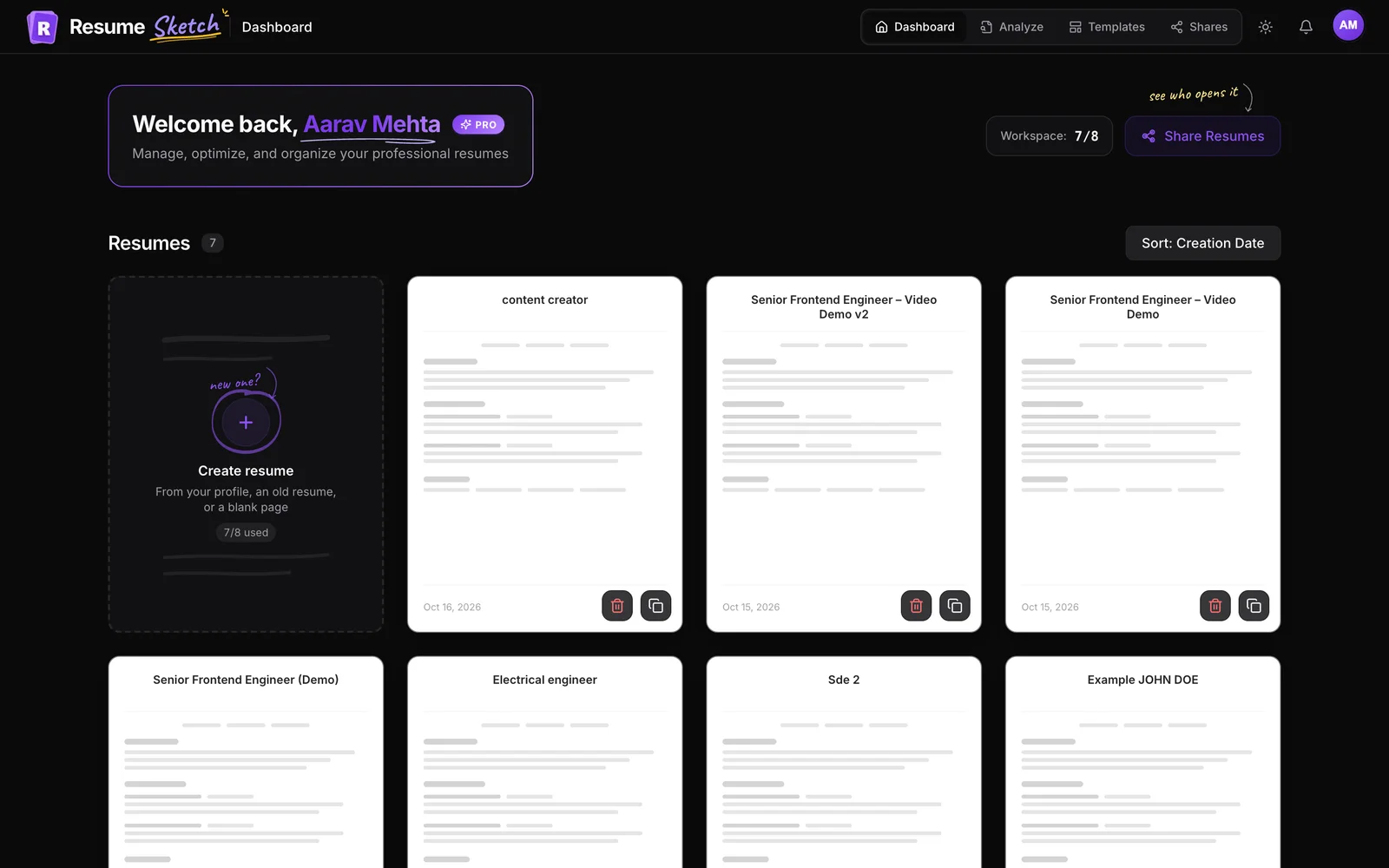
- 01Getting startedGetting Started with Resume Sketch: From Sign-Up to Your First PDF
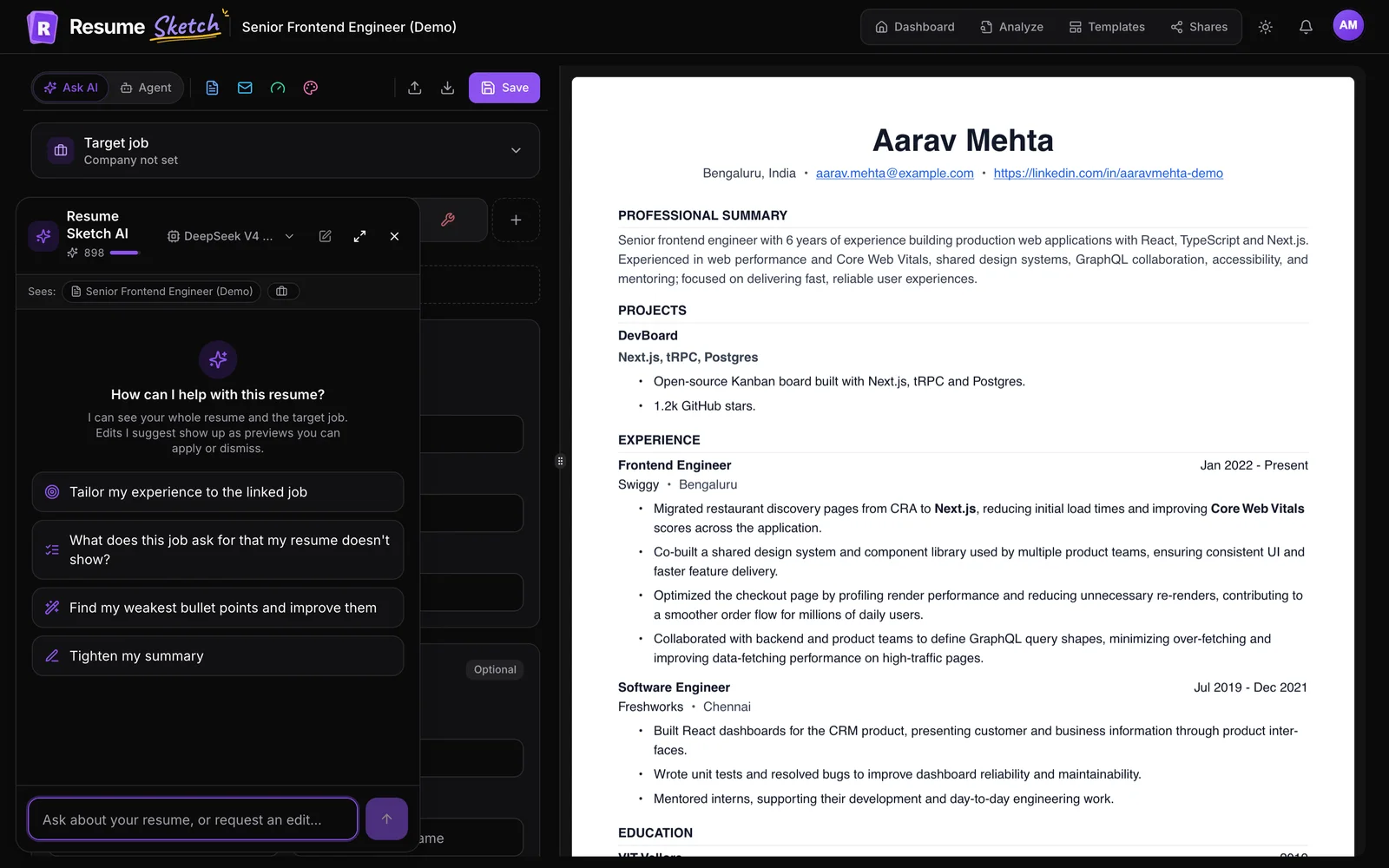
- 02Ask AIHow to Use Ask AI in Resume Sketch: Prompts, Rewrites and Review
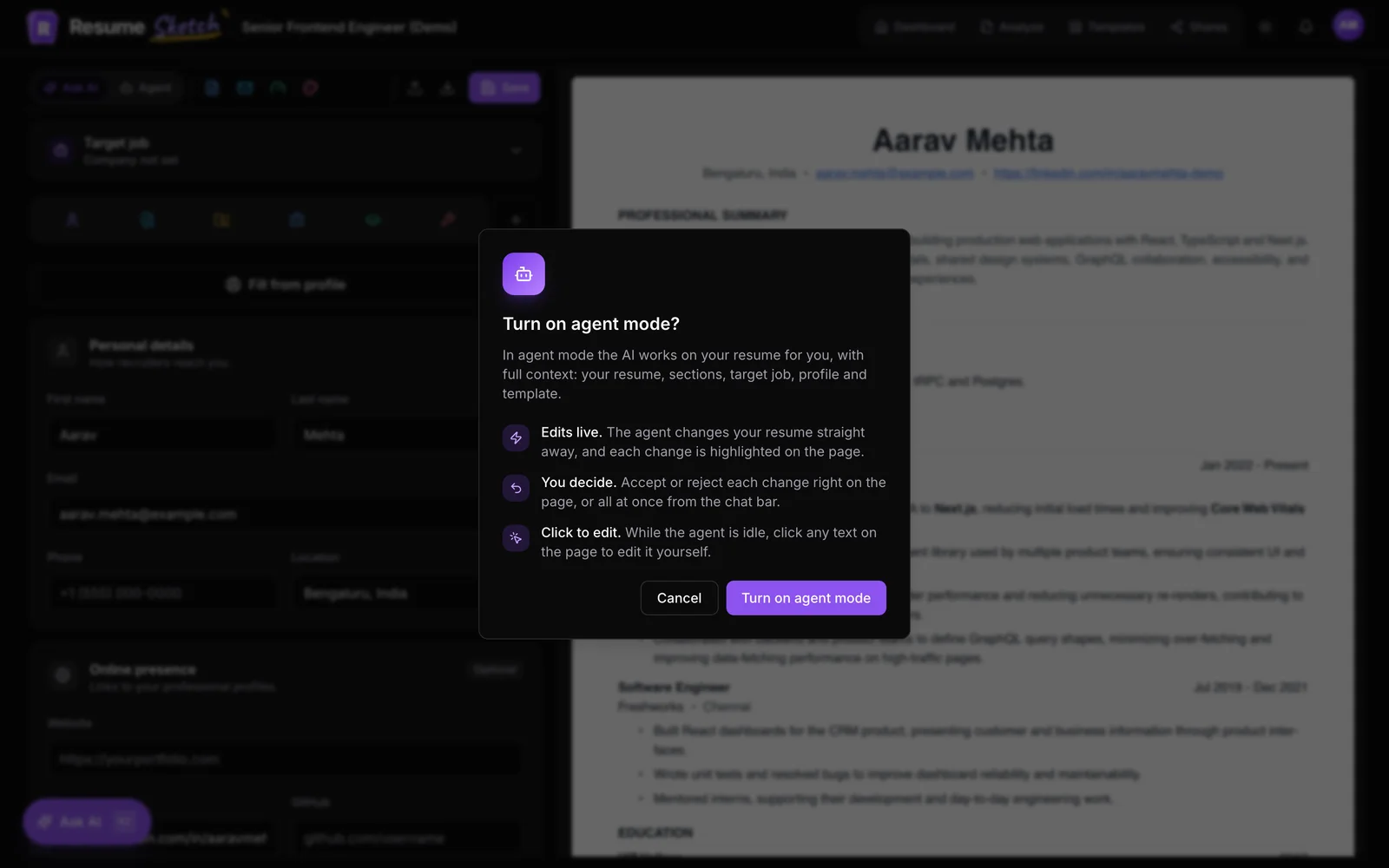
- 03Agent modeAgent Mode in Resume Sketch: Let the AI Edit, Then Review Every Change
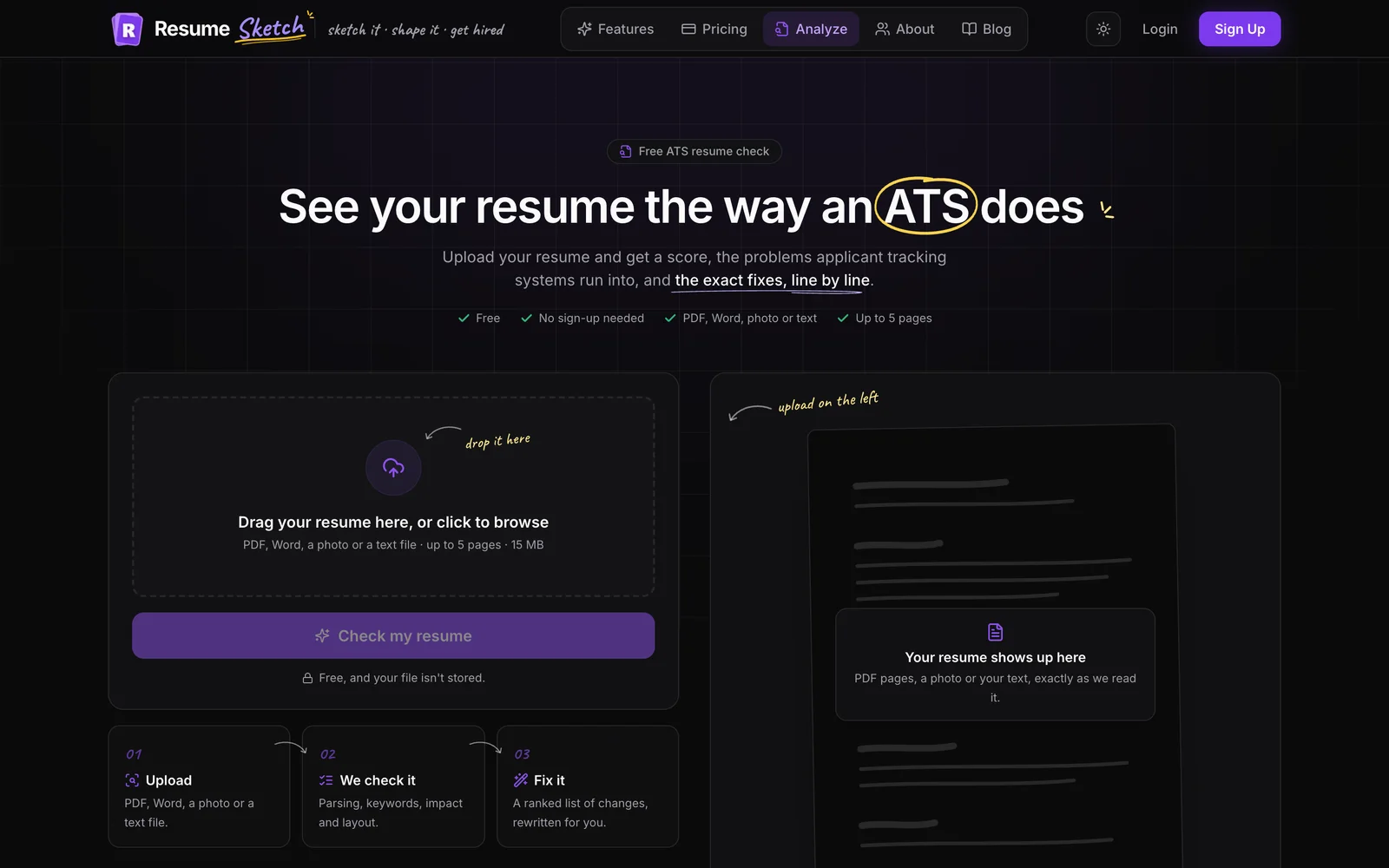
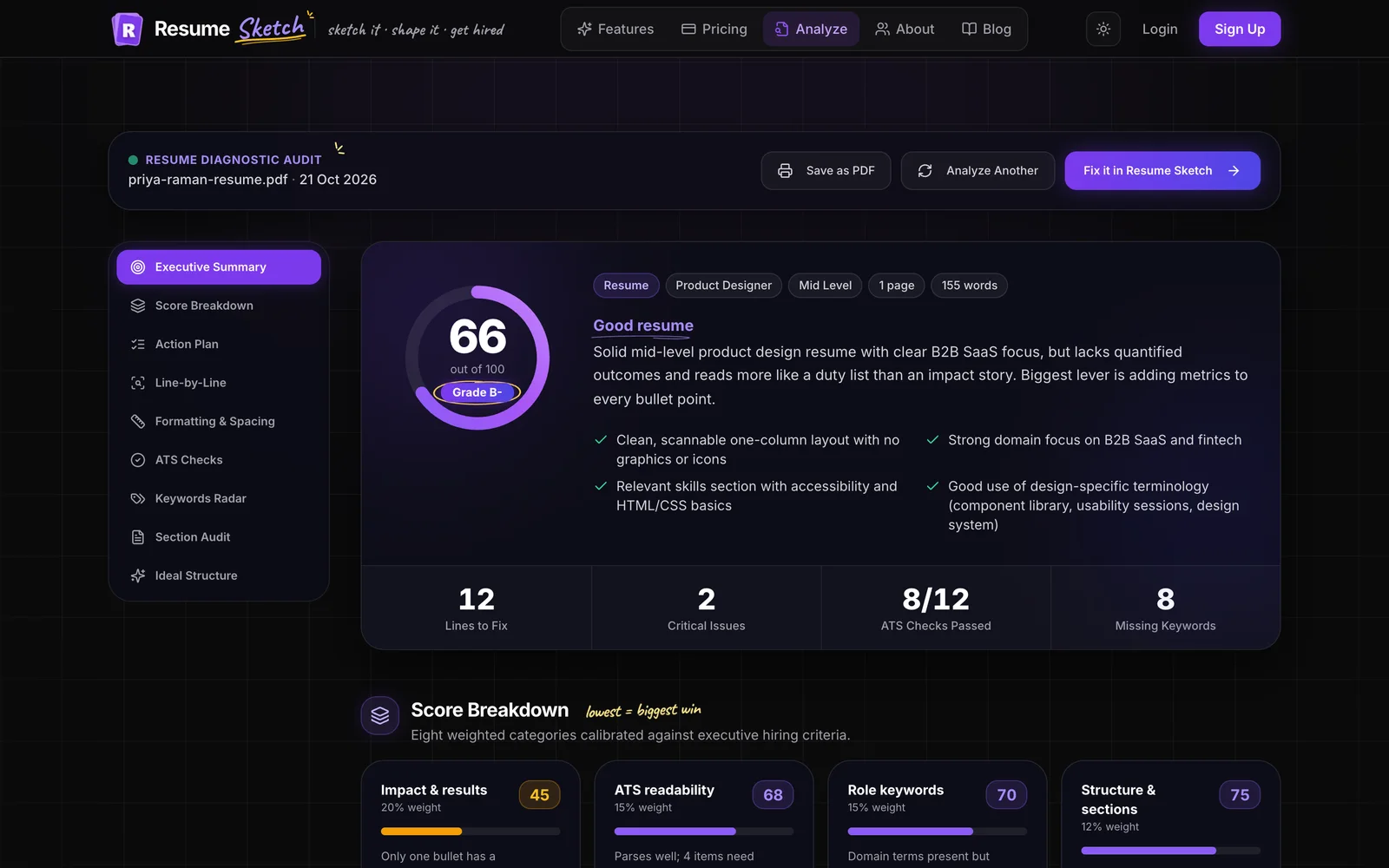
- 04ATS analyzerHow to Use the Free ATS Resume Analyzer (and Fix What It Finds)
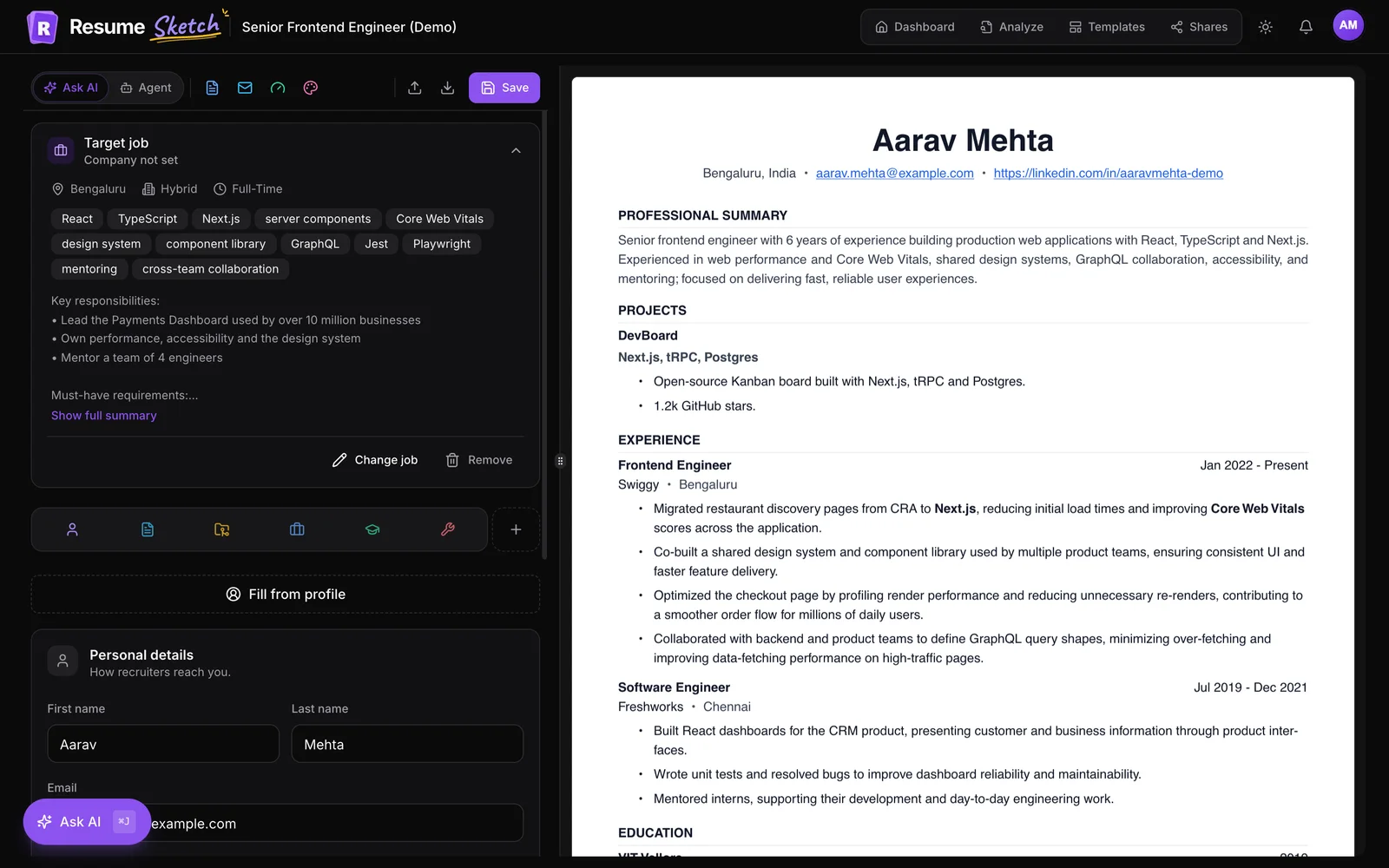
- 05TailoringHow to Tailor Your Resume to a Job Description (Without Keyword Stuffing)
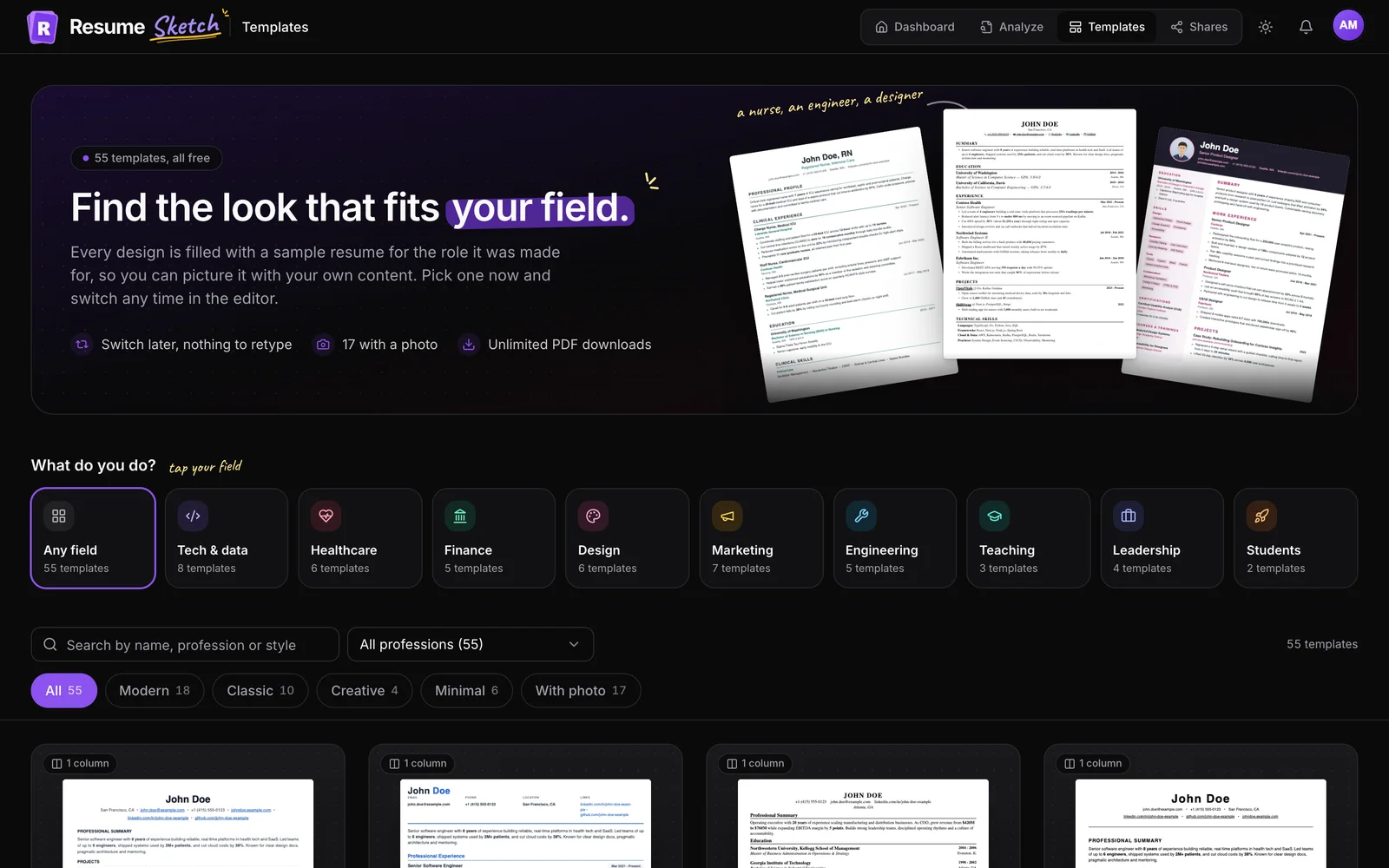
- 06Templates & designResume Templates and Design in Resume Sketch: Layout, Photos, Sections and Titles
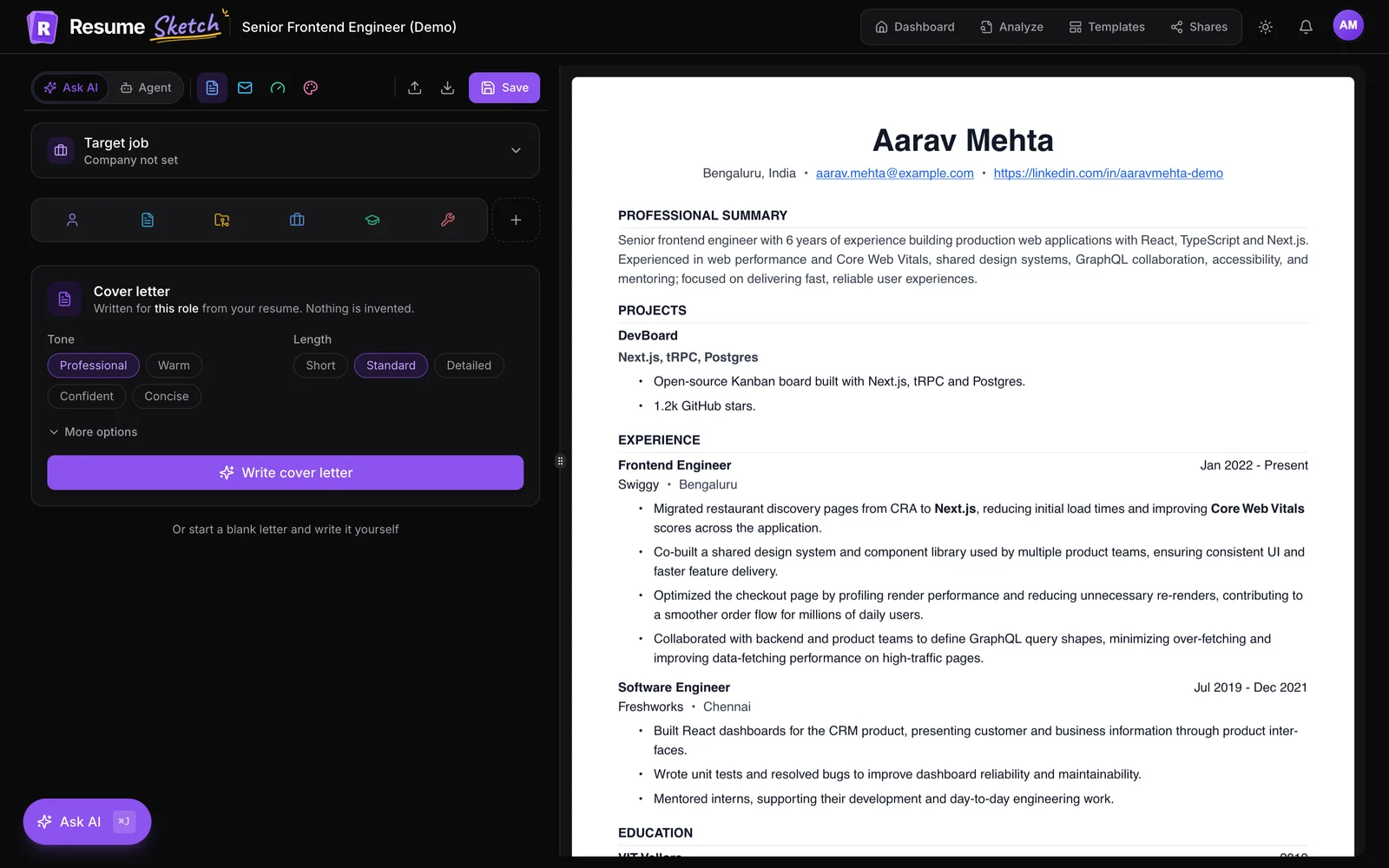
- 07Cover lettersHow to Write a Cover Letter With AI in Resume Sketch
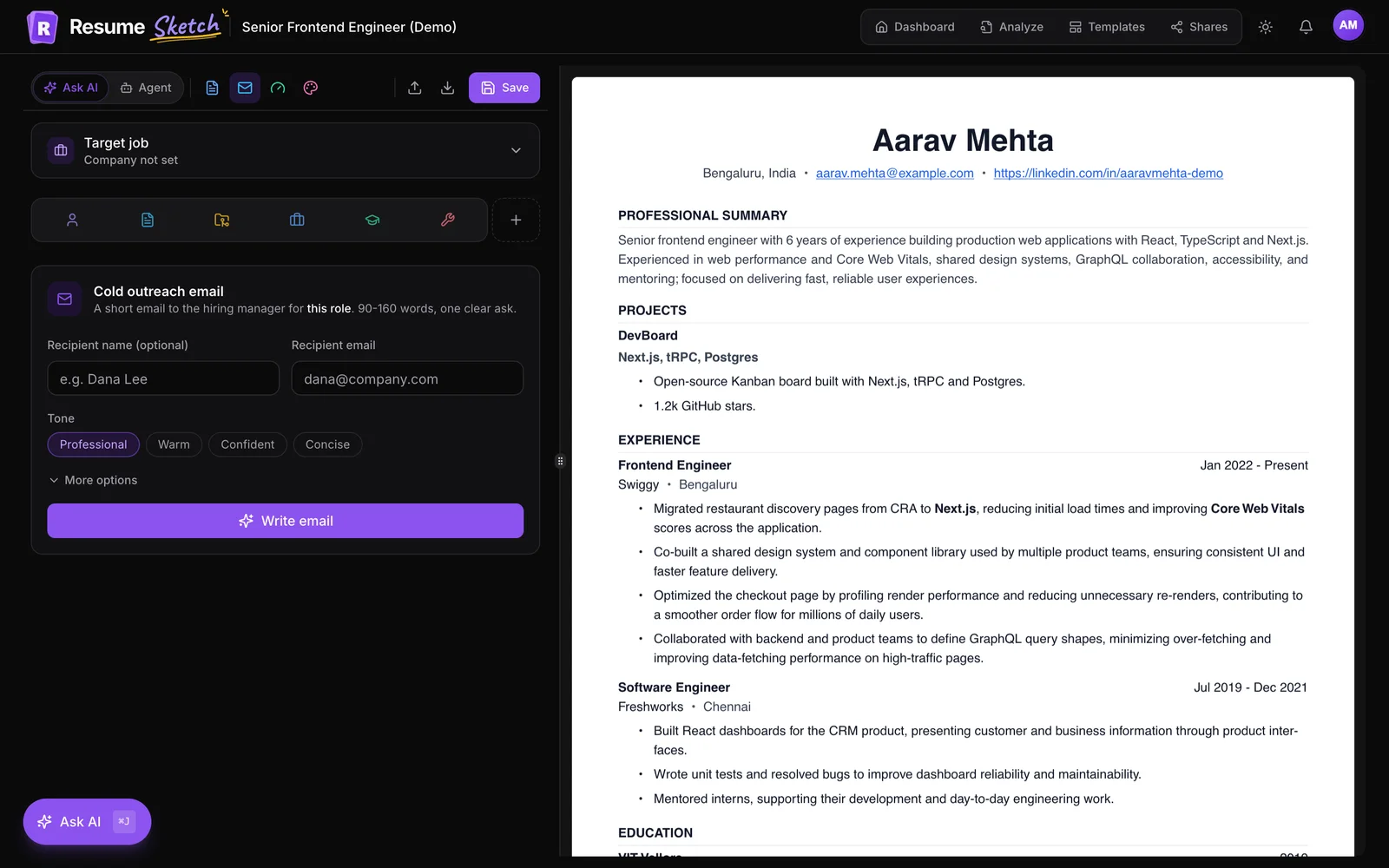
- 08Cold emailsHow to Write a Cold Email to a Recruiter With AI (and Send It From Gmail)
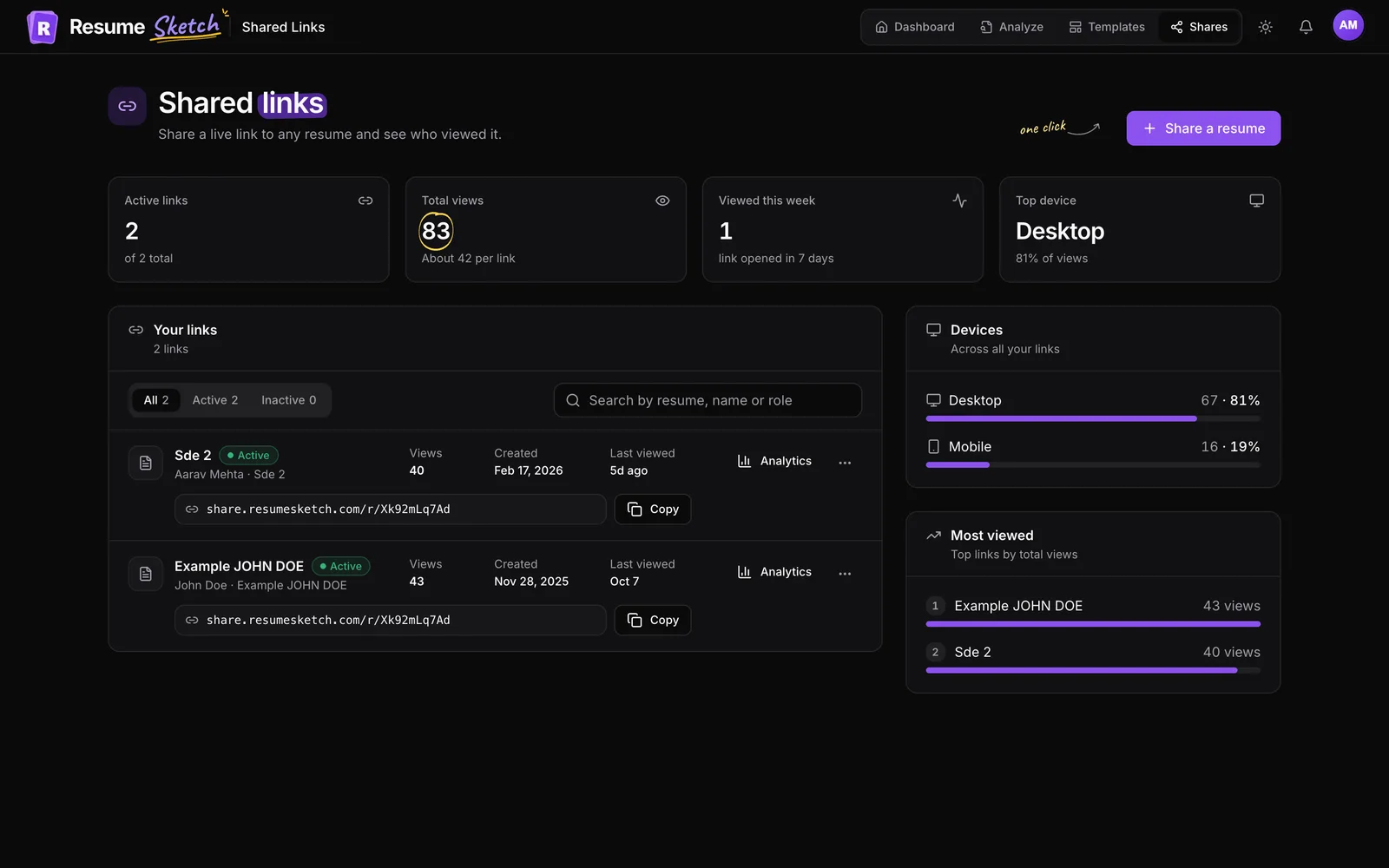
- 09Share linksHow to Share Your Resume as a Link and See Who Viewed It
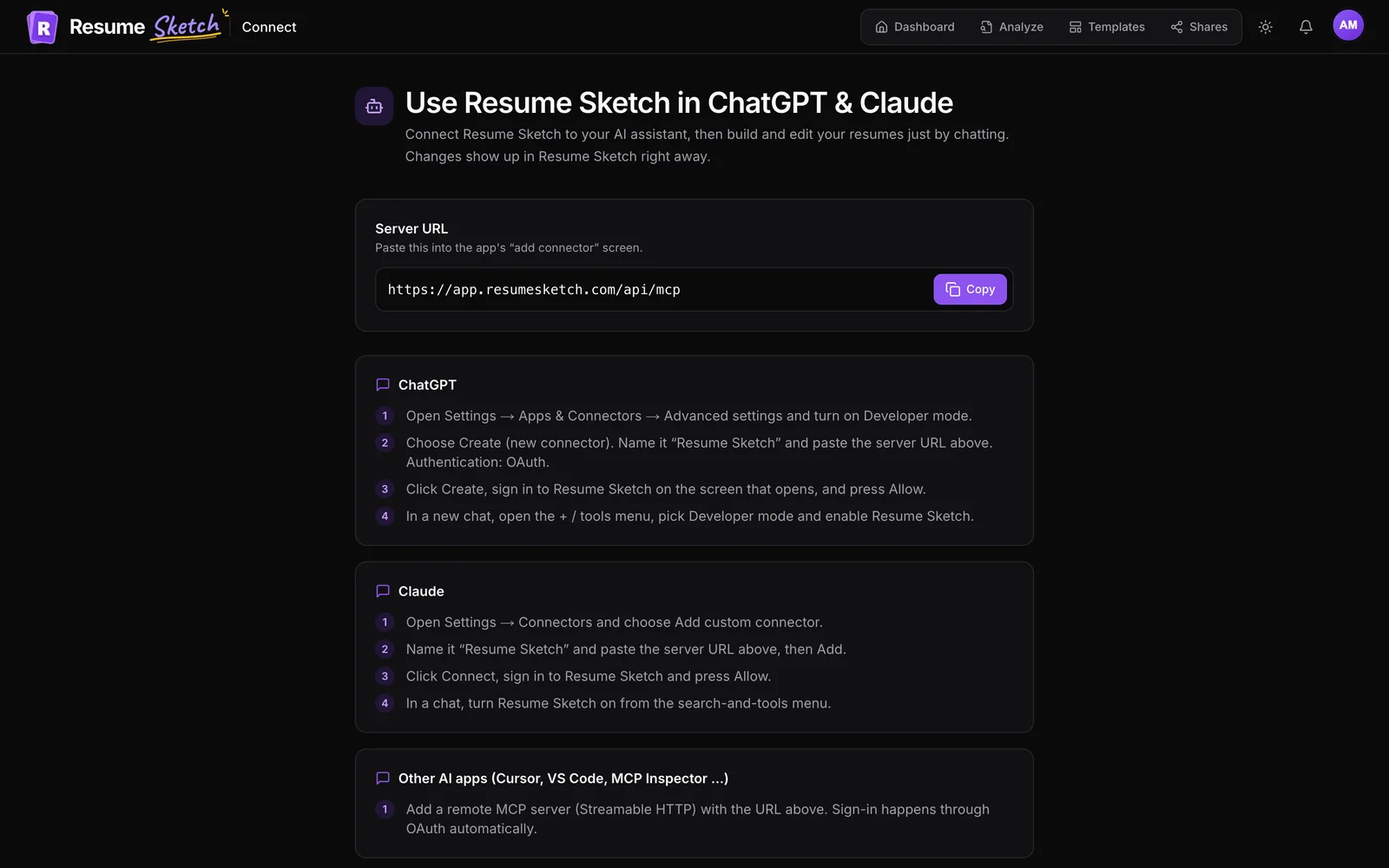
- 10ChatGPT & ClaudeHow to Use Resume Sketch in ChatGPT and Claude
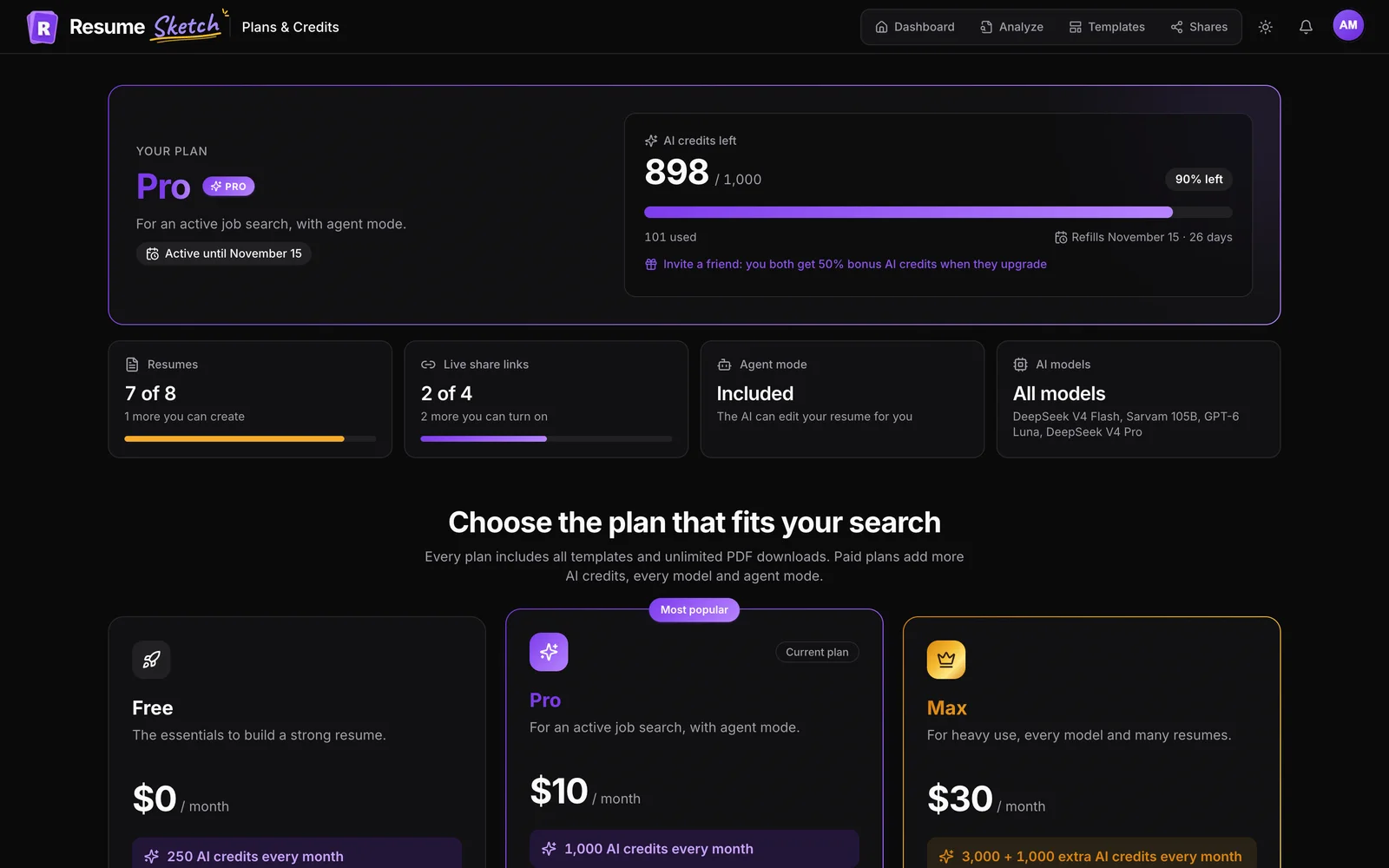
- 11Credits & plansAI Credits, Plans and Referrals in Resume Sketch, Explained
- 12Recruiter sharingRecruiter Sharing: How to Star Your Best Resume and Control Who Sees It
Latest articles
Sketch it. Shape it. Get hired.
Put the guides to work
Create a free account and build your first resume in minutes. No credit card needed.
Start free