The short answer
Recruiter sharing is an optional, off-by-default feature: tick the third box at sign-up or switch it on later in Profile → Privacy & sharing, then star your best resume on the dashboard. Resume Sketch may then share that one starred resume with recruiters and hiring partners looking for people like you, never your other resumes, chats, cover letters or account details. You can turn it off at any time, and removing the star stops sharing too.
01What recruiter sharing is
Most of Resume Sketch is about you reaching out: applications, cold emails, share links. Recruiter sharing works the other way round. If you opt in, Resume Sketch may share your starred resume with recruiters, hiring managers, staffing agencies and companies it works with ("hiring partners") who are looking for candidates like you.
It is entirely optional and off by default. Leaving it off doesn't limit anything else you can do in Resume Sketch. It is also free: you are never charged for it, and your resume is never sold or put into bulk databases.
Three things have to be true before anything is shared: you have consented, you have starred a resume, and sharing is still switched on. Remove any one of them and sharing stops.
02The optional third checkbox at sign-up
When you create an account, you see three checkboxes. The first two are required to use Resume Sketch. The third is marked optional.
| Checkbox | Required? | What it means |
|---|---|---|
| I agree to the Terms & Conditions | Yes | You accept the Terms, including the fair use of AI |
| I have read the Privacy Policy | Yes | You understand how Resume Sketch stores, processes and can access your data |
| Share my starred resume with recruiters and hiring partners | No | You allow Resume Sketch to share your one starred resume with recruiters |
The third box has a How sharing works link to the full recruiter sharing page, which opens in a new tab so you don't lose the form. If you signed up some other way, or the Terms change later, Resume Sketch shows the same three choices in a short dialog inside the app.
Not sure yet? Leave it unticked. You can switch it on later with one toggle, once you have a resume you are proud of.
03Star your best resume on the dashboard
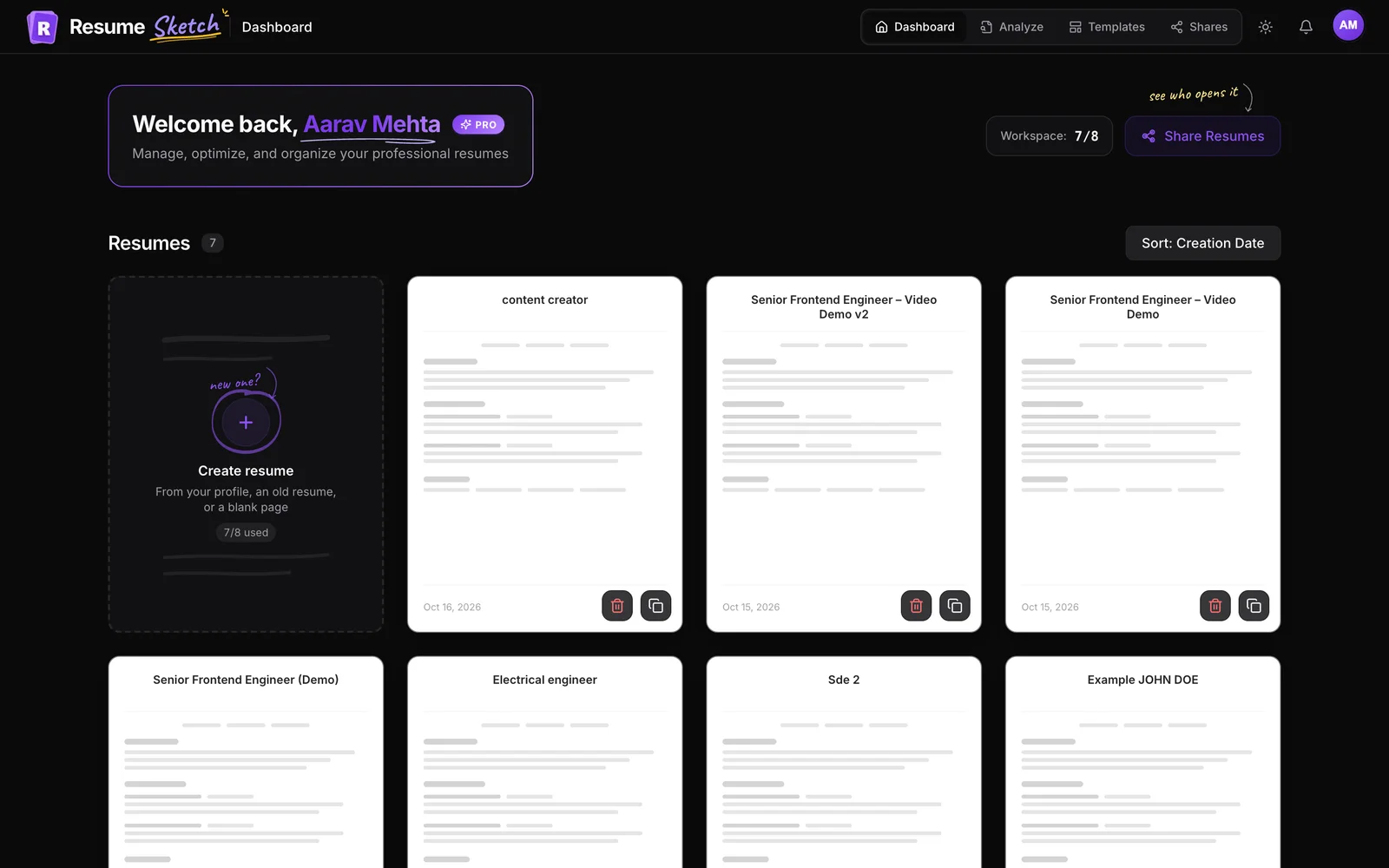
The star decides which resume could be shared. Only one resume can be starred at a time.
- 1
Go to your dashboard
Open the dashboard where your resume cards are listed.
- 2
Find the star
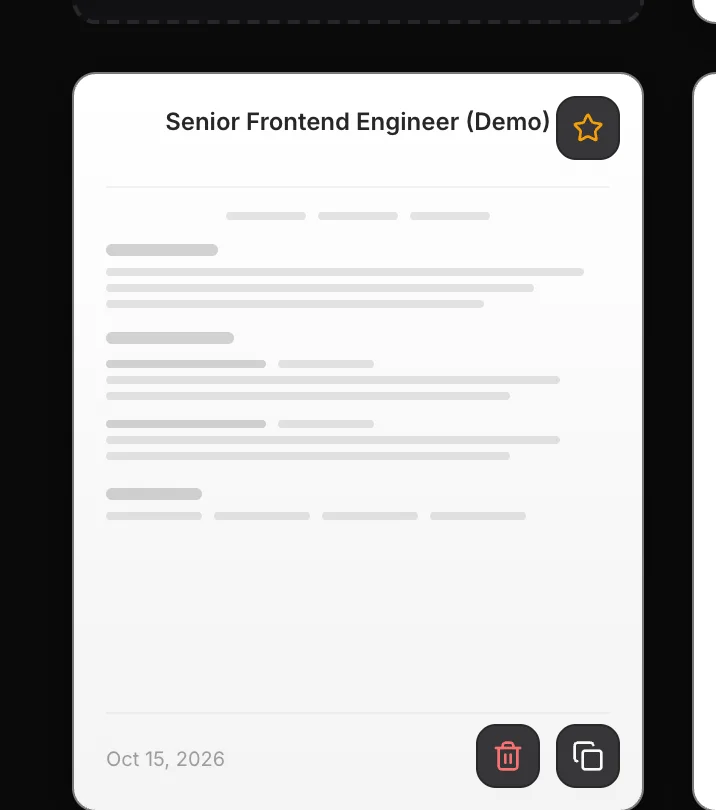
Each resume card has a star button at its top right. On a computer it appears when you hover the card; on a phone it is always visible.
- 3
Click to star
Click the star. The button fills in, reads Starred, and the card gets a gold outline. A message confirms it is now your starred resume.
- 4
Move or remove it
Starring a different resume moves the star there. Click the star on the starred resume again to remove it.
04Turn sharing on or off in Profile → Privacy & sharing
- 1
Open your profile
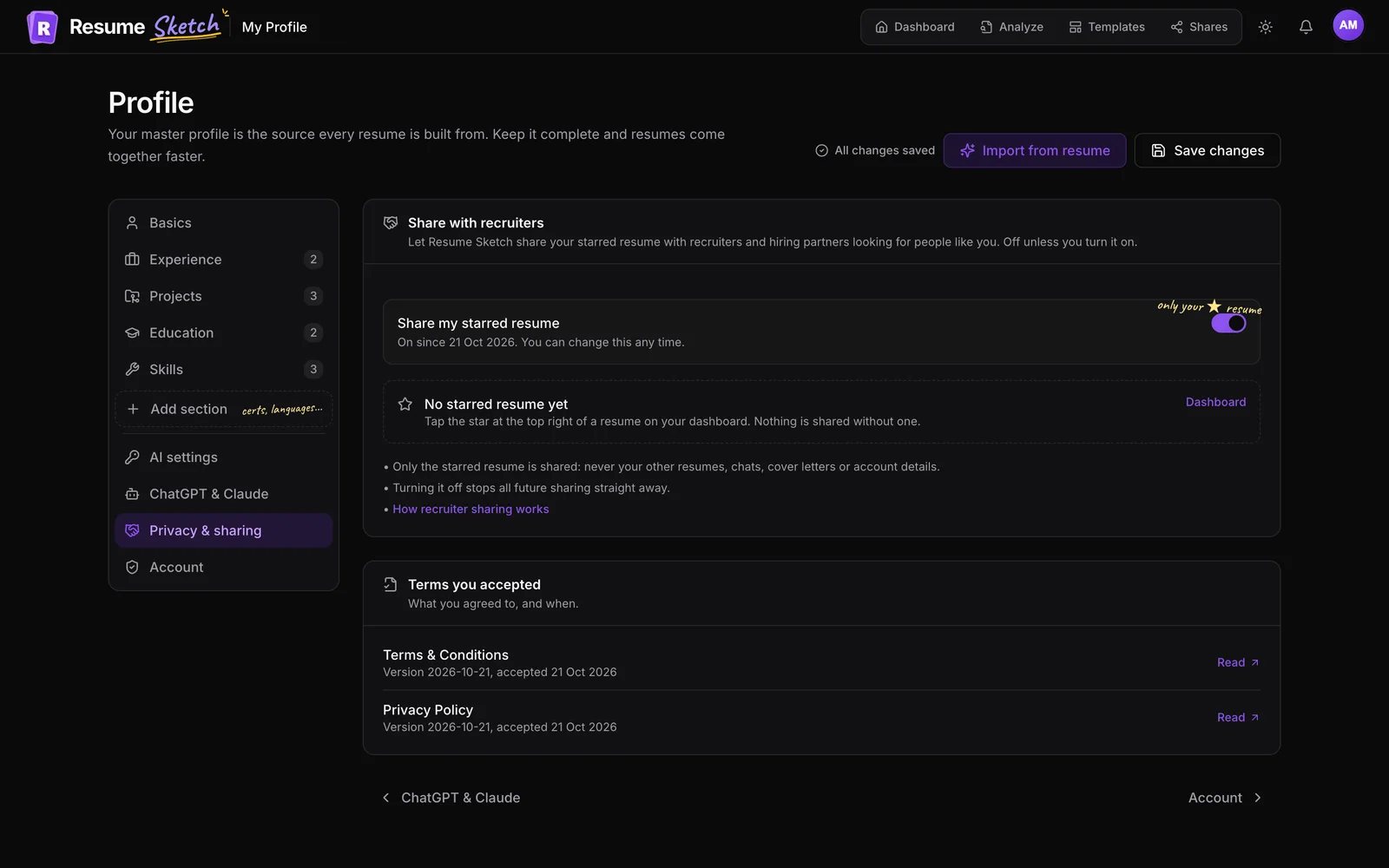
Go to Profile and choose the Privacy & sharing tab.
- 2
Use the switch
In the Share with recruiters card, flip the Share my starred resume switch. The line under it shows whether sharing is on or off and since when.
- 3
Check the starred resume
Below the switch you see which resume is starred, with an Open link to it. If none is starred, you will see No starred resume yet and a link to your dashboard. Nothing is shared without a star.
The same tab has a Terms you accepted card showing which version of the Terms and Privacy Policy you agreed to and when. Every change to your sharing choice is recorded with a date, so there is always a clear record of what you chose.
06How to make your starred resume recruiter-ready
A recruiter will see this resume without a cover letter, a cold email or any context from you. It has to stand on its own.
- Star a broad version, not a hyper-tailored one. A resume tailored to one company's posting can look oddly specific to a recruiter filling a different role. Star the strong general version for your field.
- Check the target role. It is used for matching, so it should name the job you actually want next, such as Senior Data Analyst rather than Analyst resume v3.
- Update your contact details. The email, phone and location on the resume are how recruiters reach you. A stale phone number makes the whole exercise pointless.
- Lead with results. A summary and bullets with concrete outcomes do far more than a list of duties. Use Ask AI to tighten them.
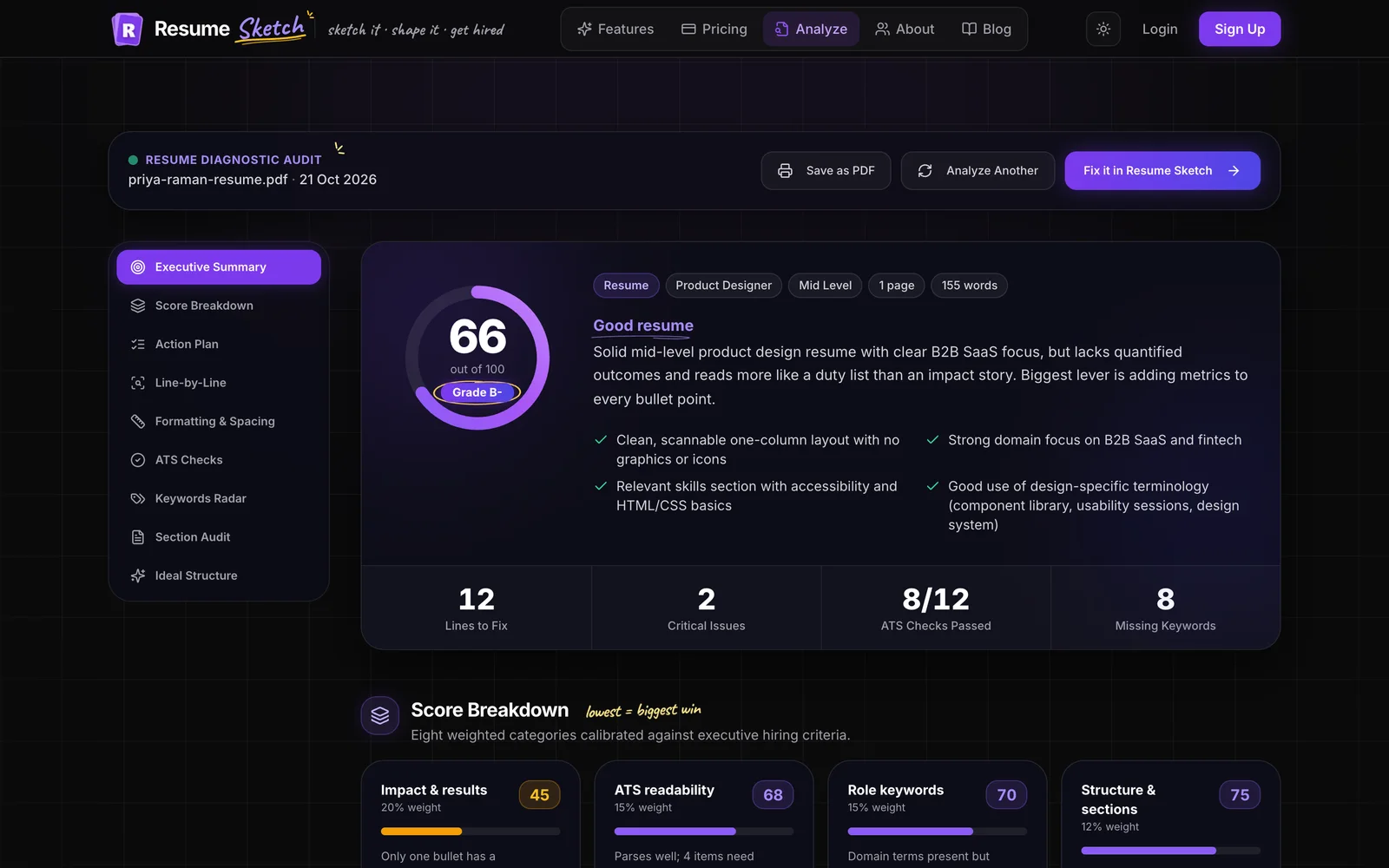
- Run a check. Use the editor's Score panel or the ATS analyzer to catch gaps before anyone else sees them.
- Keep it current. A resume is shared as it is at that moment, and later edits don't reach copies a recruiter already has. Update it whenever something meaningful changes.
Weak starred summary
- Hard-working professional seeking new opportunities in a dynamic environment.
Recruiter-ready summary
- Data analyst with 4 years in e-commerce, building SQL and Looker reporting used by marketing and finance. Cut weekly reporting time from a day to an hour by automating the pipeline.
07Common mistakes
- Turning sharing on with no star. Nothing is shared until a resume is starred. Check the Privacy & sharing tab.
- Starring an old draft. Make sure the star sits on your best, most recent resume, not the first one you made.
- Forgetting it is on. If you accept an offer and stop looking, switch sharing off or remove the star.
- Expecting it to replace applying. It is an extra channel. Keep applying, tailoring and following up.
Frequently asked questions
Is recruiter sharing on by default?
No. It is off unless you tick the optional third box at sign-up or switch it on in Profile → Privacy & sharing.
Which resume do recruiters see?
Only your starred resume, the one with the star on your dashboard. Only one resume can be starred at a time, and without a star nothing is shared.
Can recruiters see my other resumes or AI chats?
No. Your other resumes, drafts, AI chats, cover letters, cold emails, uploaded files and account details are never shared.
How do I stop sharing?
Turn off Share my starred resume in Profile → Privacy & sharing. Removing the star, deleting the starred resume or closing your account also stops sharing. Copies already sent stay with the recruiter, and you can ask support who received it.
Does starring a resume make it public?
No. Starring only marks which resume could be shared with recruiters if you allow it. It doesn't create a public link and the resume can't be found on the web.
Does recruiter sharing cost anything?
No. It is free on every plan, and your resume is never sold.